The simplest journal for weight, calories, water and injections. Log four things a day - everything else stays on your phone.
Scan to open on your iPhone
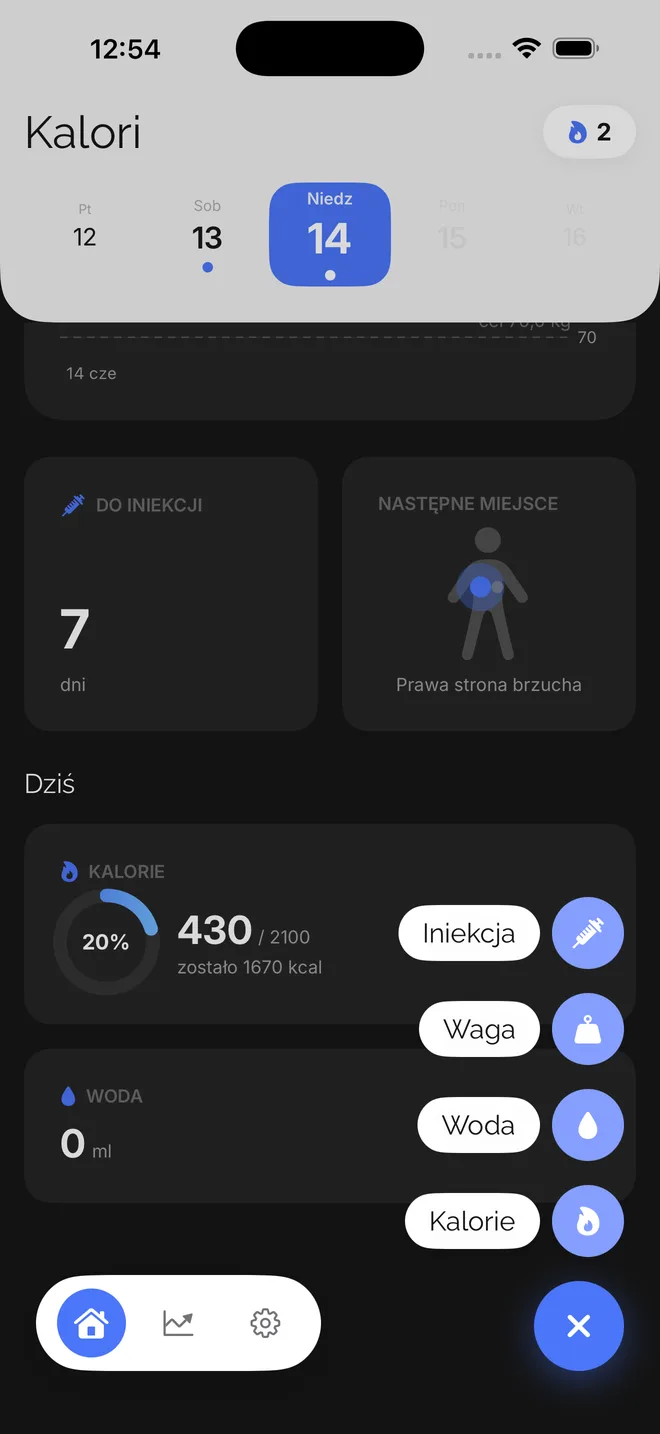
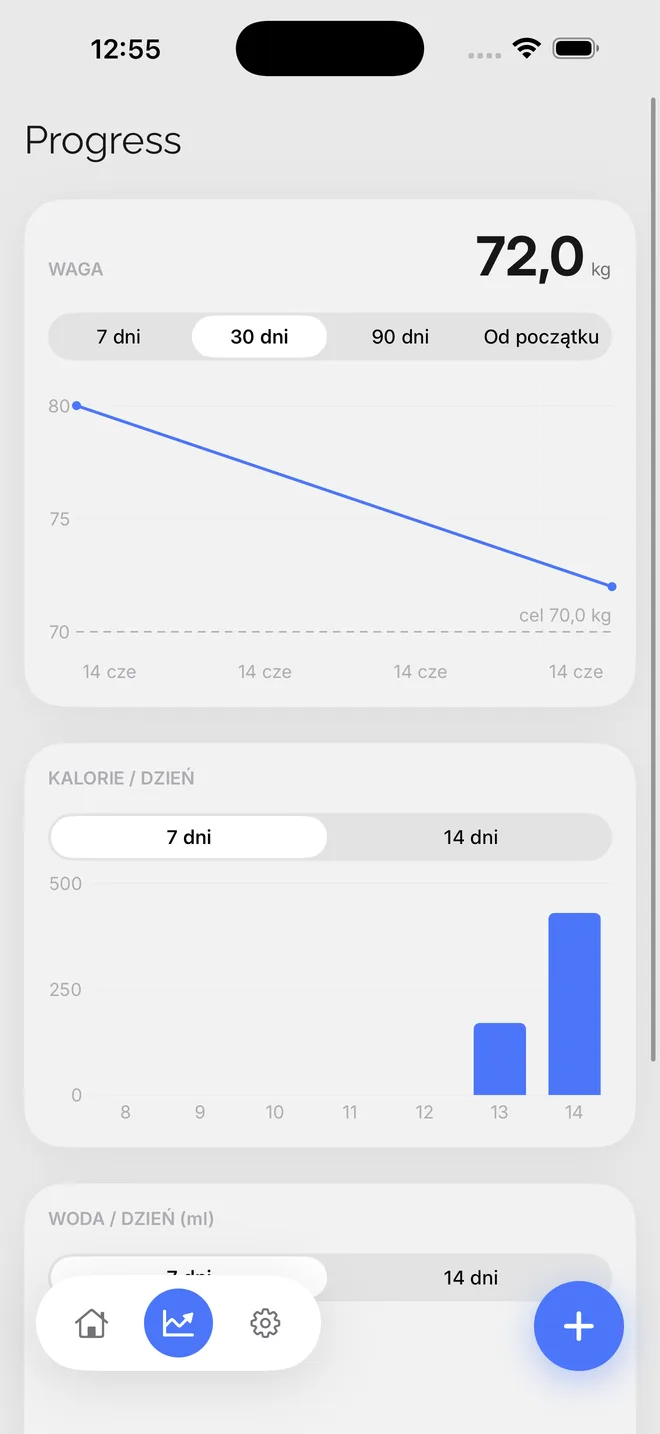
Four things logged in one tap, clear progress and full privacy.
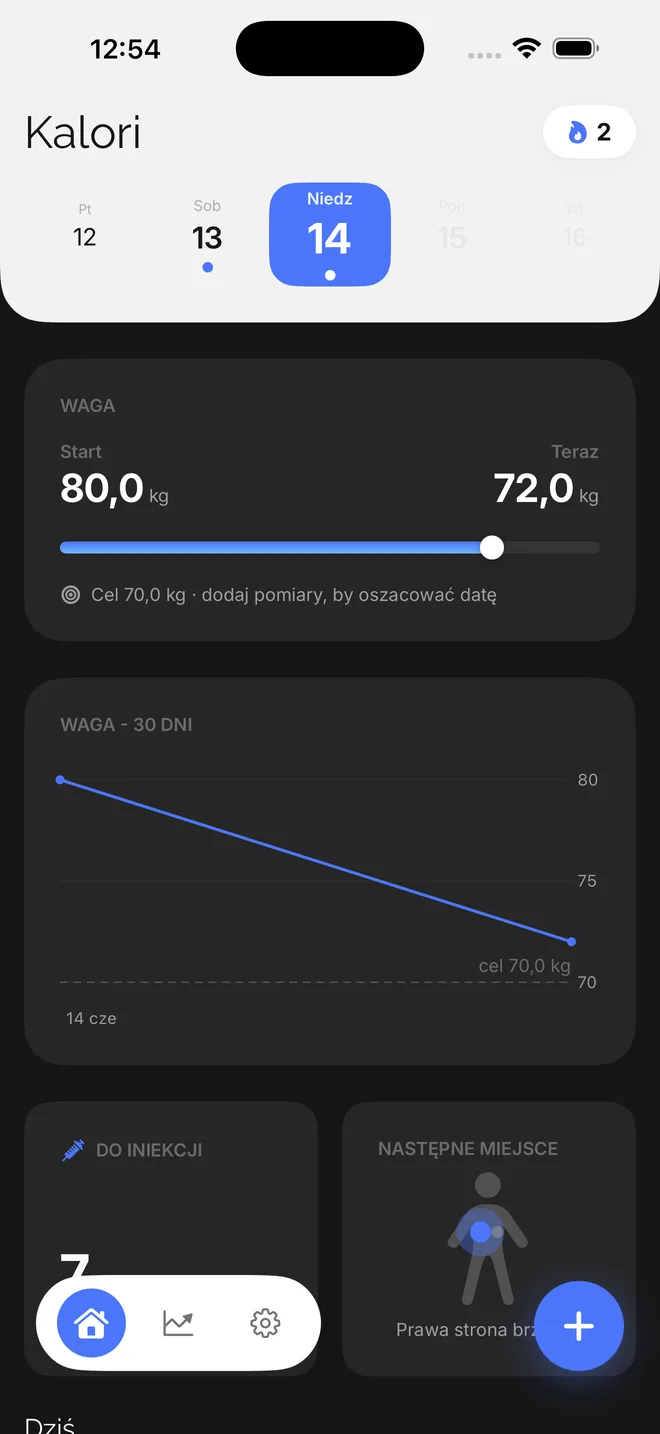
Start, today and goal on one bar. Trend chart and an estimated date.
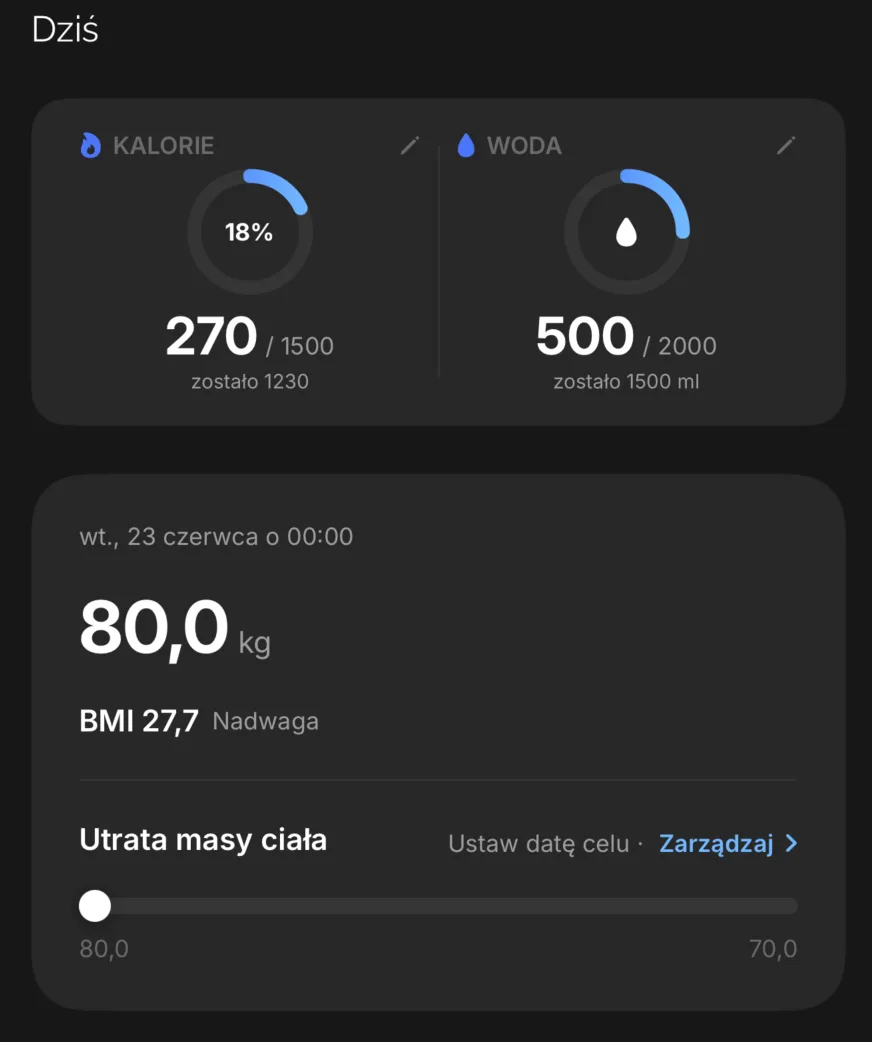
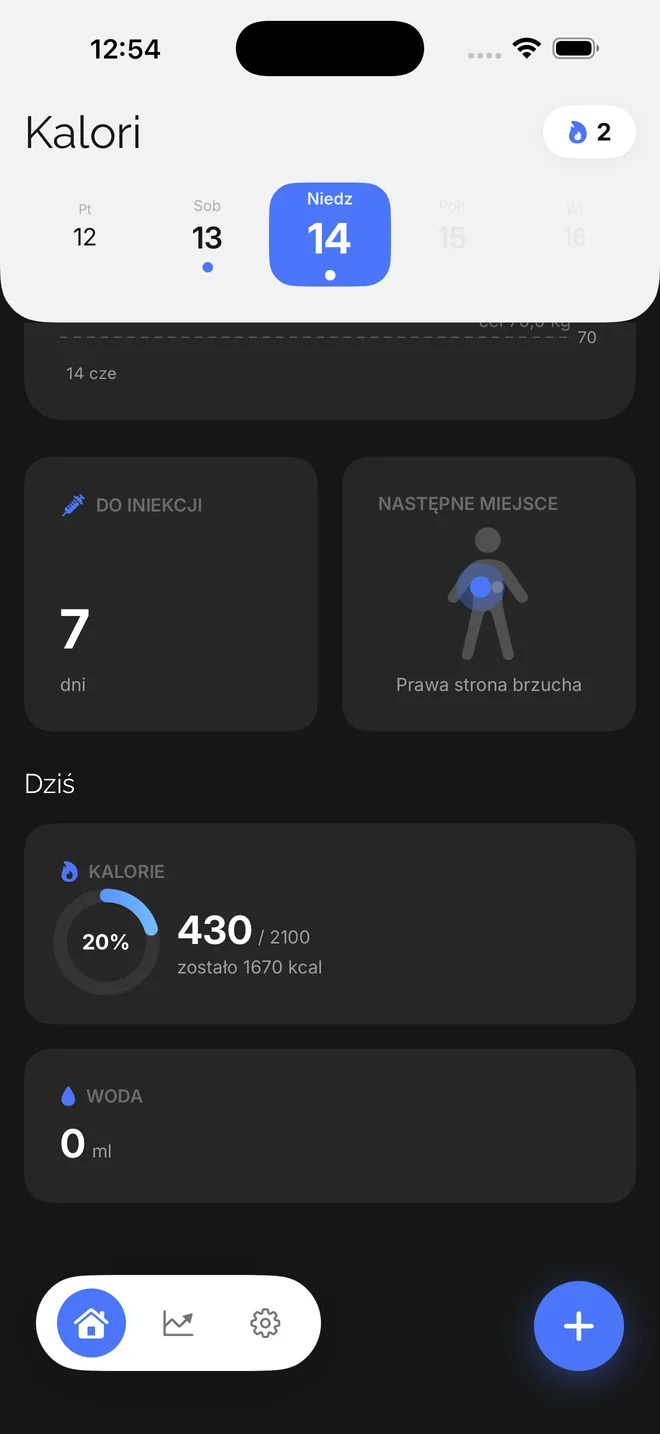
A daily limit with a progress ring and an optional meal note.
Add water with a single tap, using ready-made presets.
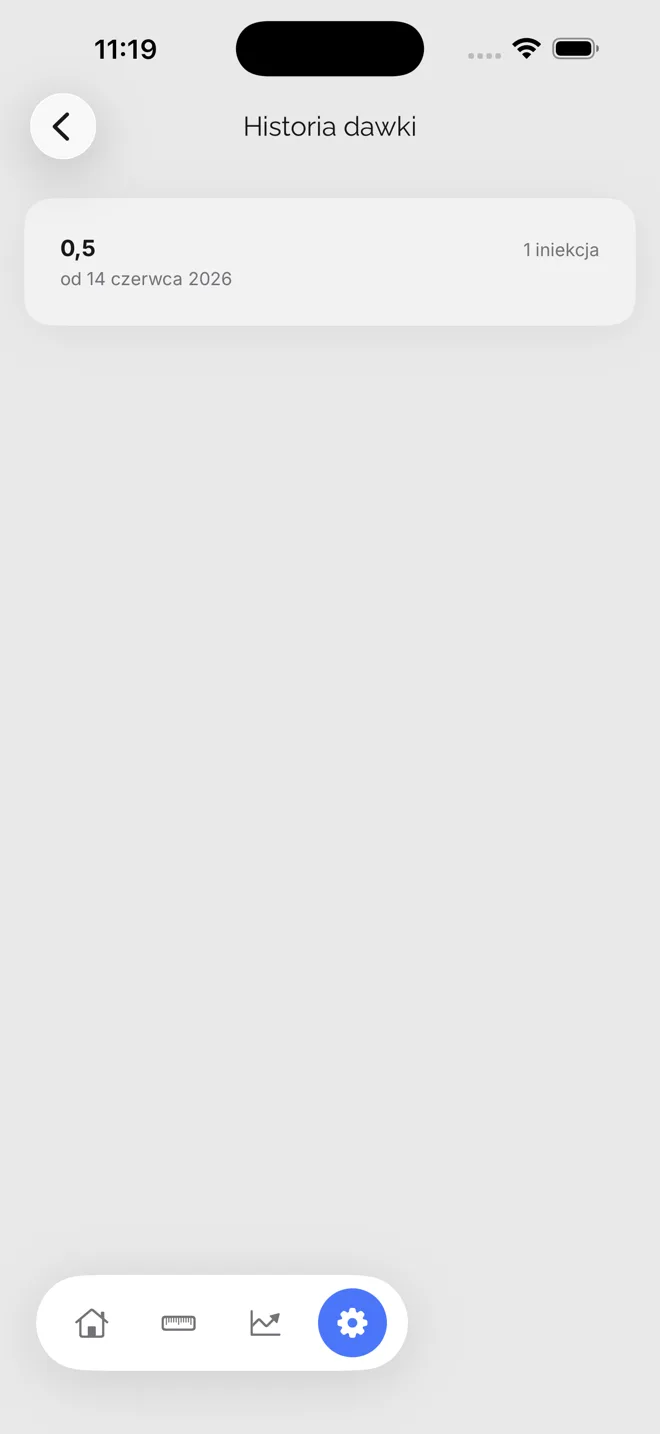
Site, dose and date, with the next rotation site suggested.
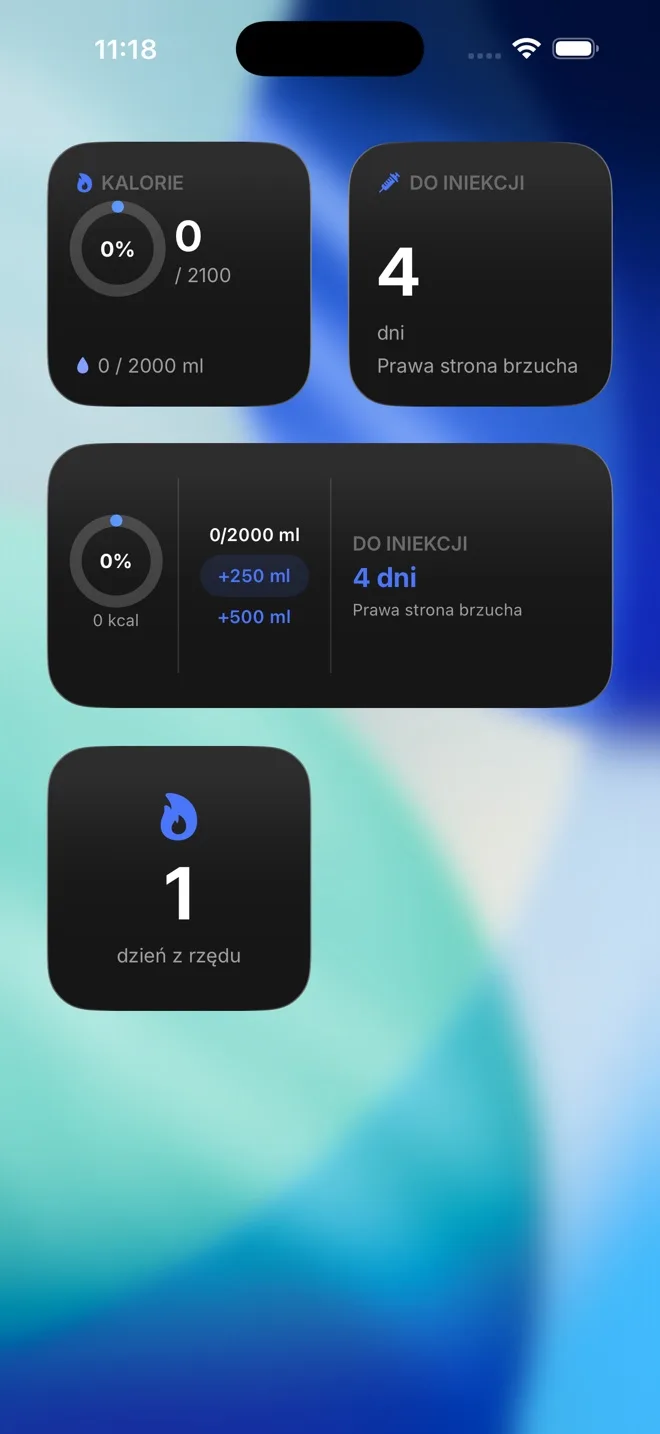
Calories, water and days to injection on your Home and Lock Screen.
All data stays on your phone. No account and no cloud.
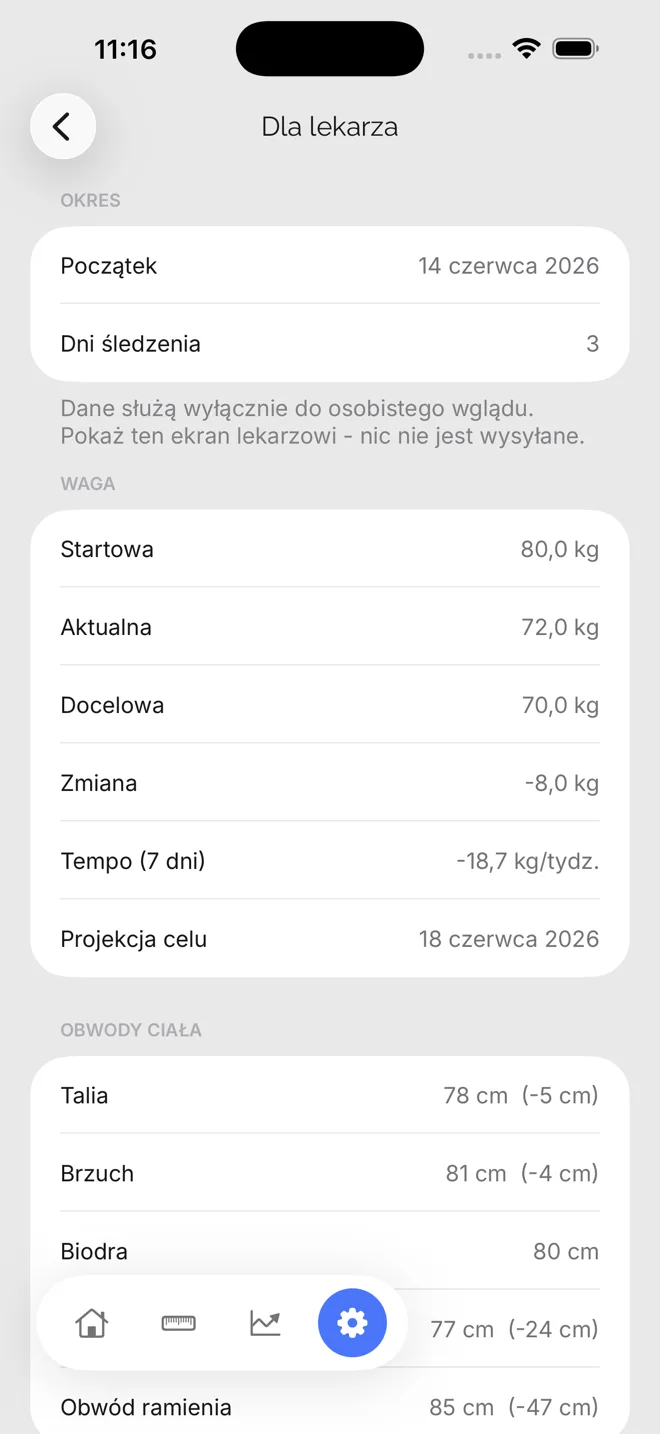
Extra features - turn on only the ones that are for you.
Yes - Kalori is completely free, with no ads and no subscription. You download it and use all the core features at no cost. There's only an optional “Support the developer” screen (buy me a coffee) if you'd like to back the project - but nothing is locked behind it.
Yes, and it's the foundation of the app. Every entry - weight, calories, water, injections - is stored only locally on your phone (Apple SwiftData). There's no account, login, server or cloud, so nobody (including the developer) can access it. You can export your data to a JSON file or permanently delete it anytime in settings, and lock the app with Face ID.
Yes, Kalori works 100% offline. It needs no internet connection, account or login - everything is calculated on your device. You can add entries on a plane, while travelling or with no signal, and your data stays safe and available.
Yes. For each injection you log the site, dose and date/time, and the app suggests the next rotation site so you spread injections evenly. You also get a dose history and reminders for the next shot - handy support during GLP-1 therapy. Note that Kalori does not give medical advice; always set dosing with your doctor.
It doesn't count automatically - you enter calories by hand, and that's a deliberate design choice: simple, fast and distraction-free. There's no barcode scanner or food database. There is an optional “AI calorie counting” helper: you copy a ready-made prompt into your own AI assistant and paste the result back - but you start it, and the app itself sends nothing.
The app follows your phone's language - with no settings at all.